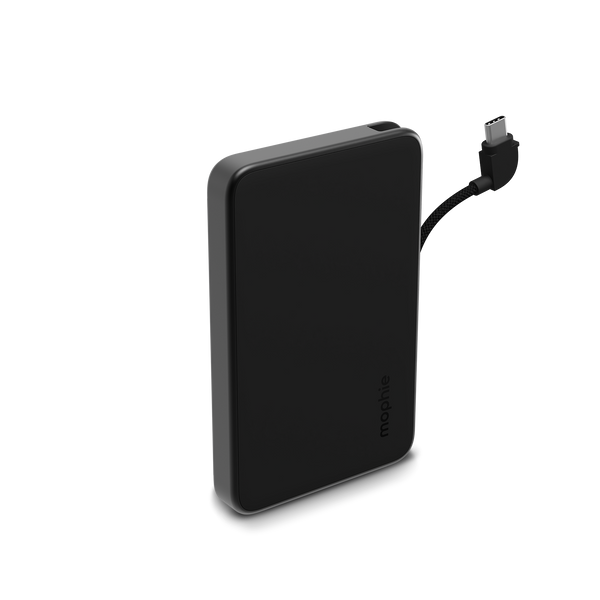
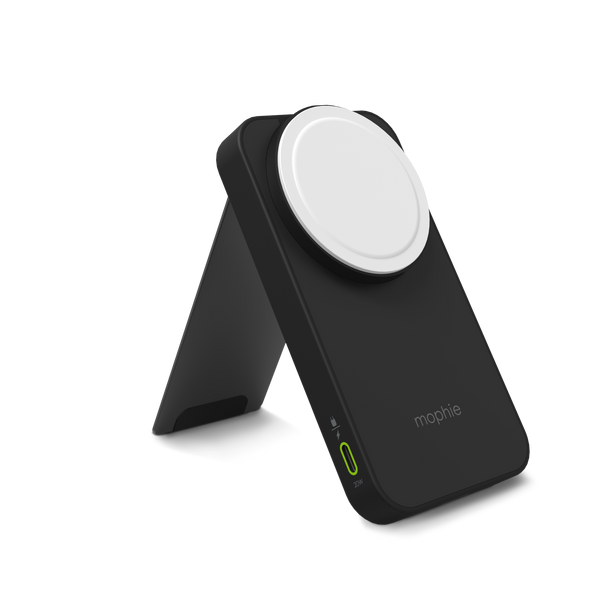
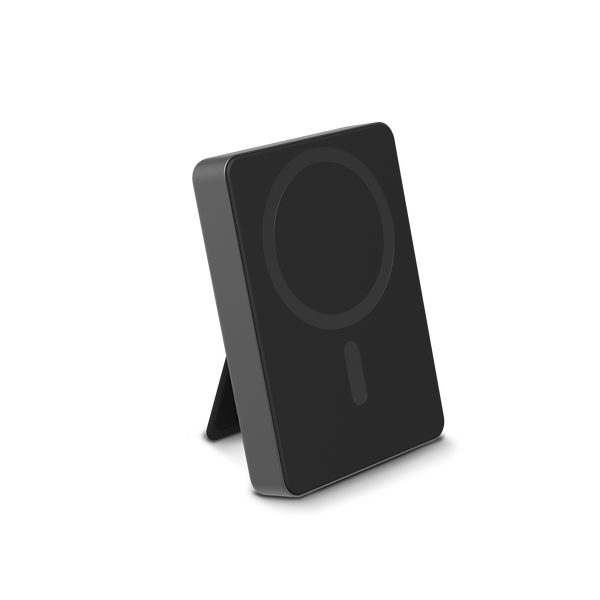
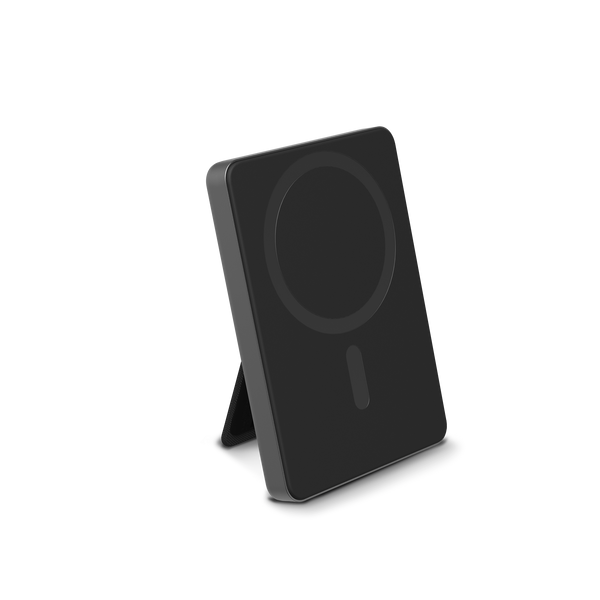



Register your product
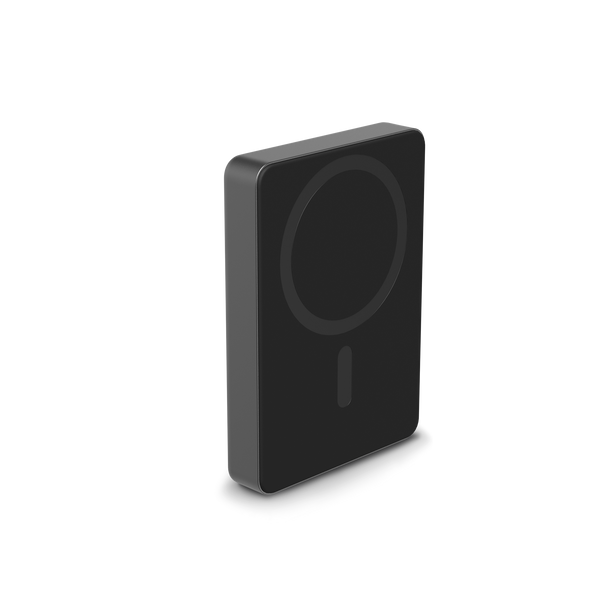
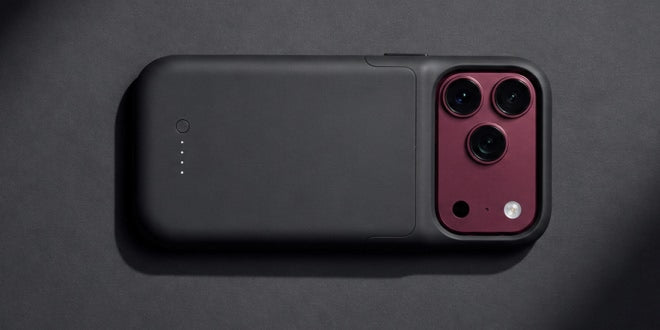
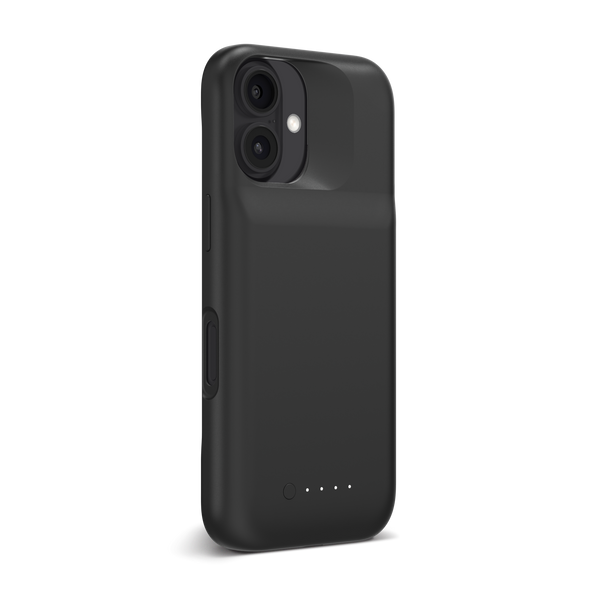
To register your mophie product, please proceed to ZAGG.com (Mophie is a subsidiary of ZAGG) and follow the steps below:
Open ZAGG.com
To get started with your claim, click the button below. This will take you to ZAGG.com, which handles all official warranty support for mophie products.
Login or Create Account
If you already have an account, you will be prompted to log in. Click "Forgot My Password" to receive a reset link via email (be sure to check your spam folder if you don't see it). If you don't have an account, you can easily create one.
Register Product
Click "Register A Product" button, go through the category decisions to choose the product you own. If you have the box, you can also scan the QR code for an automatic registration.
All mophie devices are stamped with a serial number. To find the serial number on your mophie device, click here.

Need to Make a Warranty Claim?
We make it simple and easy for you to make a warranty claim. Please click here to start your online warranty claim. You will be asked to log in or set up a new account to get started.
Please note: As items may ship from multiple locations and also because each warranty applies to a singular item, only one item can be replaced per warranty transaction. Shipping and handling fees apply for each order.
If you have multiple items needing a replacement, please ensure they are each registered individually and request a separate warranty replacement for each item you need replaced.